Table of Contents
- Quick Answer
- Why a Robot Vacuum Is Not Returning to Dock
- Safe First Checks Before Contacting Support
- When This Points to a Deeper Problem
- Frequently Asked Questions
Quick Answer
Robot vacuum not returning to dock? The most common causes are: something blocking the path to the dock or the dock itself being moved, dust or debris on the sensors or charging contacts, a Wi-Fi-connected model losing signal, or the robot running low on battery or hitting a software glitch mid-cycle. Clearing the area around the dock and wiping down sensors and contacts resolves a large share of these cases. Try the safe first checks below before assuming the unit is broken or contacting official support.
Why a Robot Vacuum Is Not Returning to Dock
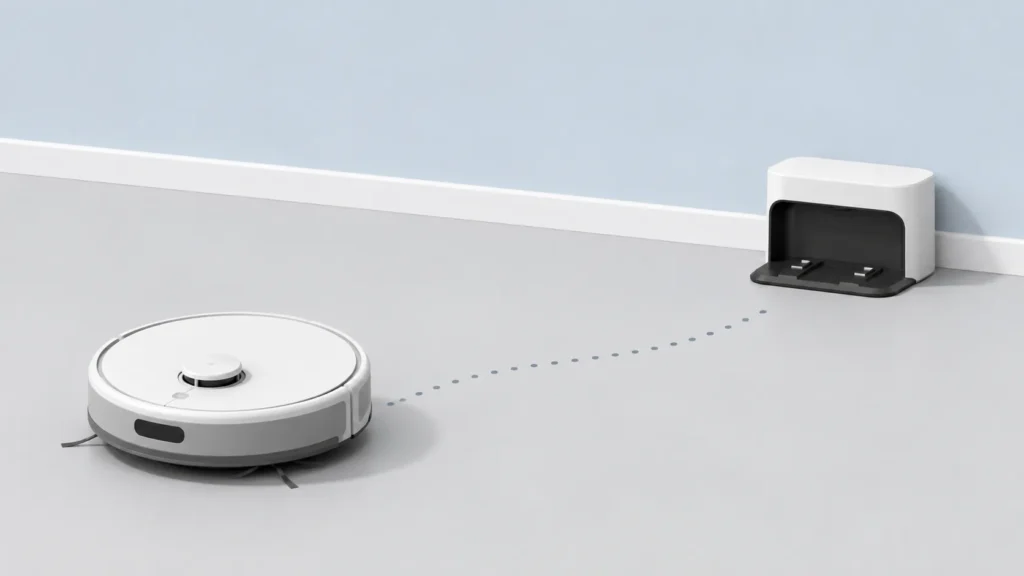
A robot vacuum that wanders near its dock without connecting, or stops somewhere else in the home entirely, is one of the most common frustrations current owners report — and it’s rarely a sign the unit itself is broken. Most cases trace back to one of a few recurring causes.
Obstacles or Dock Placement Blocking the Path
Cables, furniture, rugs with curled edges, or general clutter near the dock can prevent the robot from completing its final approach, even if the rest of the cleaning cycle went fine. The same is true if the dock was recently moved, sits in a corner, or was placed too close to a wall — the robot’s navigation system can struggle to line up with it. If you suspect placement itself is the underlying issue rather than a one-off obstruction, see our full guide on where to place a robot vacuum charging dock for setup-level guidance.
Dirty Sensors or Charging Contacts
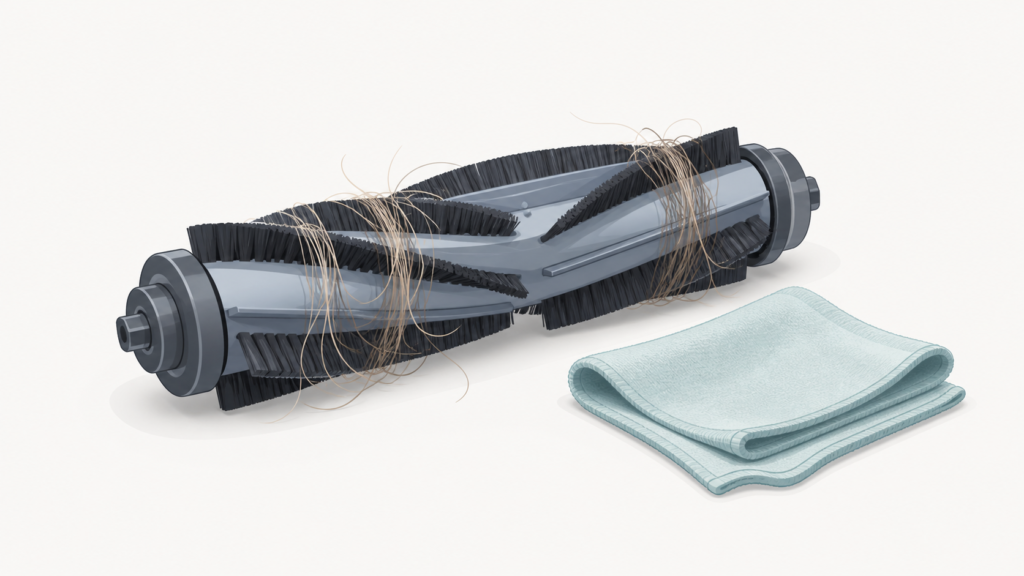
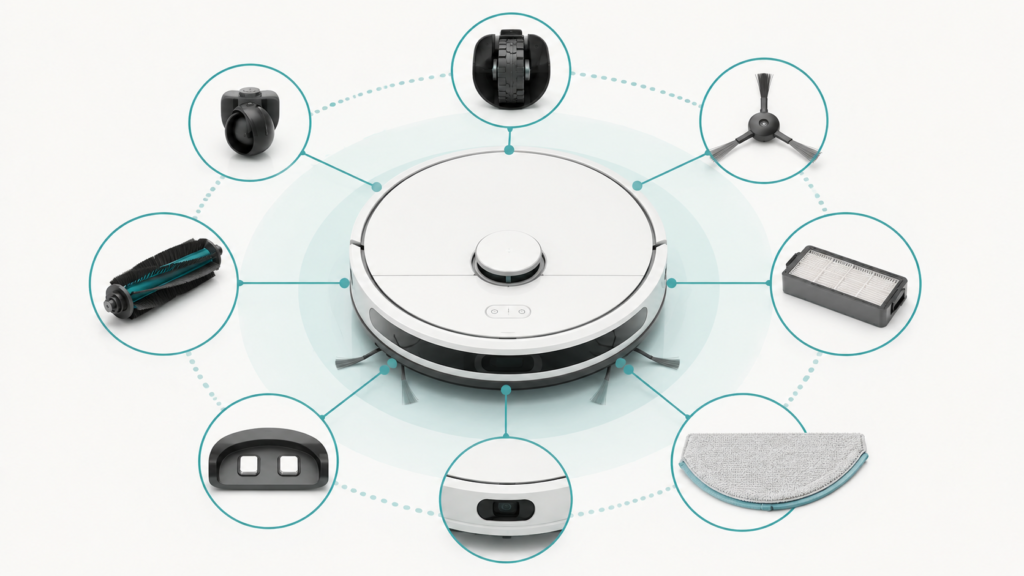
Dust, hair, or debris on the robot’s sensors can stop it from recognizing the dock at all, and the same buildup on the metal charging contacts (on either the robot or the dock) can prevent a reliable connection even after the robot physically reaches it. This is one of the most consistently cited causes across manufacturer support guidance.
Wi-Fi or Signal Connection Loss (on Connected Models)
Some robot vacuums rely partly on a live Wi-Fi or app connection to help navigate back to the dock, and a dropped or weak connection can cause the robot to wander instead of docking reliably. This mainly affects Wi-Fi-connected models rather than every robot vacuum on the market. If you’ve already ruled out the causes below and suspect the connection itself, see Robot Vacuum Not Connecting to Wi-Fi or App for a deeper look at Wi-Fi and app troubleshooting.
Low Battery or a Software/Firmware Glitch
If the battery runs low before a cleaning cycle finishes, some robot vacuums stop where they are rather than completing the return trip. Separately, a navigation error or an outdated firmware version can occasionally cause the robot to report a positioning failure even when nothing is physically in its way.
| Cause | Quick Check |
|---|---|
| Obstacles or dock placement | Clear the area around the dock; check if it sits in a tight corner or against a wall |
| Dirty sensors or charging contacts | Wipe the robot’s sensors and both sets of charging contacts with a soft, dry cloth |
| Wi-Fi or signal loss (connected models) | Check the app connection status; see our Wi-Fi troubleshooting guide if needed |
| Low battery mid-cycle | Check if the robot stopped before finishing; let it fully charge manually, then retry |
| Software or firmware glitch | Power cycle the robot and check for a pending app or firmware update |
Safe First Checks Before Contacting Support
These are safe, non-invasive checks that may help resolve a docking issue. They are not guaranteed to fix every case, and they don’t replace your device’s official app support or manufacturer support channel if the problem continues.
Clear the Area Around the Dock
Remove cables, shoes, or clutter within a few feet of the dock, and check that nothing (including the robot vacuum’s own charging cable) is coiled in its path. If the dock sits in a tight corner or right against a wall, a small amount of open space on either side can make a meaningful difference.
Wipe Down Sensors and Charging Contacts
Using a soft, dry cloth, gently wipe the sensors on the robot’s front and top, along with the metal charging contacts on both the robot and the dock. Avoid liquids or abrasive materials directly on these components.
Manually Guide or Restart the Robot Near the Dock
Place the robot a short distance from the dock, facing it directly, and see whether it can dock successfully from there. If it can, the issue is more likely navigation-related from farther away rather than a hardware fault. Powering the robot (and, if your model allows it, the dock) off and back on can also clear a temporary error state.
Check for App or Firmware Updates
An outdated companion app or robot firmware version has been identified as a contributing cause in manufacturer troubleshooting guidance. Confirm you’re on the latest app version from your device’s app store, and check within the app whether a firmware update is available and pending.
When This Points to a Deeper Problem
If you’ve worked through the checks above and the robot vacuum is still not returning to its dock reliably, this may point to physical sensor damage, a fault with the charging contacts or dock itself, or a deeper hardware issue beyond routine cleaning and placement fixes. None of the checks in this article are a guaranteed fix, and none of them replace your model’s manual or official manufacturer support if the problem persists. For other common reasons a robot vacuum stops responding altogether, see Why a Robot Vacuum Stops Working.
Frequently Asked Questions
Does the dock’s exact position matter, or just what’s around it?
Both. Clutter or obstacles are often the immediate trigger, but the dock’s underlying position — a tight corner, too close to a wall, or on an angled surface — can make the robot more prone to failing this final step even when nothing is currently blocking it. See our dock placement guide if repositioning might help.
Why did my robot vacuum suddenly stop docking after working fine for months?
This is often linked to something that changed nearby — new furniture, a moved rug, a dropped item near the dock, or dust buildup on sensors that accumulated gradually. Reviewing what’s changed around the dock is a reasonable first step before assuming a hardware fault.
Can a low battery alone cause a robot vacuum to fail to dock?
Yes, in some cases. If the battery runs critically low before the return trip is complete, some robot vacuums stop in place rather than continuing toward the dock. Checking whether the robot consistently stops at a similar point or battery level can help you tell this apart from a placement or sensor issue.
Should I contact the manufacturer if none of these checks work?
Yes. These are safe first checks, not a full diagnostic. If the issue repeats after trying them, check your model’s manual or contact official manufacturer support rather than attempting further hardware troubleshooting yourself.