Table of Contents
- Introduction
- Who This Guide Is For
- What a Robot Vacuum Can and Cannot Do
- Robot Vacuum Buying Guide: Key Factors to Compare
- Common Buying Mistakes
- Beginner Buyer Checklist
- FAQ
- Final Takeaway
Introduction
This robot vacuum buying guide is meant to make buying a first robot vacuum easier by explaining the features and trade-offs that matter most. Spec sheets list unfamiliar terms — Pa ratings, LiDAR, SLAM, no-go zones — and it is not always clear which of these actually affect how well a robot vacuum will work in a specific home.
This is not a ranked list, and it does not recommend a specific model. Instead, it is meant to help a first-time buyer understand what to compare before shopping, so that whichever model is eventually chosen, the decision is based on an informed sense of priorities rather than guesswork.
Who This Guide Is For
This guide is written for someone considering a robot vacuum for the first time — someone who has not yet decided which features matter most, and who would benefit from a clear explanation of the main factors to compare before narrowing down options. It assumes no prior knowledge of robot vacuum terminology and explains each concept from the ground up.
What a Robot Vacuum Can and Cannot Do
It helps to start with realistic expectations. Robot vacuums are best understood as routine maintenance cleaning tools rather than a full replacement for periodic deep cleaning. They are generally good at handling daily dust, debris, and light pet hair across a home’s main floor areas on a regular schedule, which reduces how often a more thorough manual cleaning is needed.
At the same time, there are consistent limitations across the category, regardless of brand. Robot vacuums cannot climb stairs, so multi-level homes typically need a separate unit per floor (or manual cleaning for floors without one). They generally struggle with high-pile carpet and large or heavy debris, since their wheels and brush systems are sized for everyday dust and smaller particles rather than bulky messes. They can also get stuck on thick rugs, loose cords, or small objects left on the floor.
None of this means a robot vacuum is not useful — it means it is worth thinking of as one part of a home’s overall cleaning routine, not the only part.
Robot Vacuum Buying Guide: Key Factors to Compare
The rest of this guide breaks down the factors that most commonly affect whether a robot vacuum is a good fit for a particular home. None of these factors has a single “correct” answer — they are trade-offs to weigh against a household’s own floors, layout, and priorities.
| Factor | Why It Matters |
|---|---|
| Navigation | Mapped navigation cleans more methodically than a random-path approach |
| Suction & Brush Design | A high Pa number alone does not guarantee better cleaning — brush design and airflow matter too |
| Floor Type | Most homes mix floor types; performance can vary by surface |
| Pet Hair | Brush design affects tangling and how often cleaning is needed |
| App Quality | A poor app experience can outweigh strong cleaning specs day to day |
| Battery Life & Coverage | Determines how much area is covered before the unit needs to recharge |
| Maintenance | Not fully “set and forget” — involves ongoing bin, brush, and filter care |
Navigation and Mapping
Robot vacuums differ in how they move around a home. Some use a random-path approach, which means they move in a less structured pattern without building a map of the space. Others use structured, mapped navigation, which is generally more efficient at covering a room methodically rather than relying on chance.
Within mapped navigation, two common approaches are LiDAR (which uses a laser sensor to measure distances and build a map) and camera-based SLAM (which uses visual references to do something similar). Each has trade-offs — for example, camera-based systems can be more affected by low light, while LiDAR systems add a sensor component to the unit’s design. Neither approach is universally “better” in every situation; the more relevant question is usually whether a unit offers mapped navigation at all, since that is the bigger functional difference from a random-path budget model.
For a deeper explanation of the main navigation methods, see our guide on how robot vacuum navigation works.
Suction and Brush Design
Suction power is often the most heavily marketed number on a robot vacuum’s spec sheet, usually expressed in Pascals (Pa). It is tempting to assume that a higher Pa number always means better cleaning, but that is not the full picture. Brush design and airflow also play a significant role in how effectively a unit picks up debris — a unit with a well-designed brush roll and good airflow can outperform a unit with a higher Pa rating but a less effective brush.
In practical terms, this means suction power alone is not a reliable way to compare models. It is one factor among several, and it should not be treated as the single deciding number when comparing options.
Floor Type
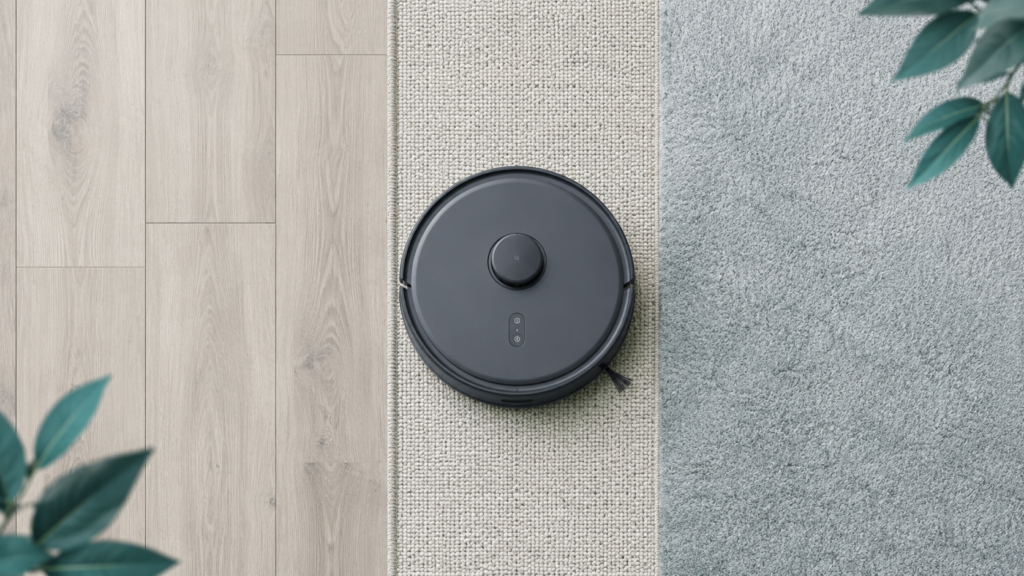
Most homes are not a single floor type from end to end — they typically combine hardwood, tile, and carpet in different rooms. Robot vacuums vary in how well they transition between these floor types and how consistently they clean each one. A home with a wide mix of floor types may benefit from thinking through floor-type compatibility specifically, rather than assuming any given model performs equally well everywhere.
Pet Hair
Pet hair is one of the most common concerns for first-time buyers with cats or dogs at home. In general terms, brush design plays a meaningful role in how well a unit resists pet-hair tangling — some brush designs are built specifically to reduce wrap-around hair buildup, which in turn affects how often the brush needs manual cleaning.
It is worth being cautious here: this guide does not claim that any specific model is “best” for pet hair, since that kind of claim would require direct, verified product testing. What can be said in general is that brush design, bin capacity, and maintenance frequency are the factors most relevant to a pet-owning household, and these are worth comparing specifically if pet hair is a priority.
Carpet
Carpet performance is closely tied to suction and brush design, but it deserves its own consideration because high-pile or thick carpet is a known, category-wide limitation — not something specific to one brand. Many robot vacuums are designed primarily with hard floors and low-pile carpet in mind, and they may struggle with deeper carpet fibers, sometimes resulting in reduced cleaning effectiveness or the unit getting stuck. A household with thick carpet or rugs may want to pay closer attention to carpet-specific performance claims and reviews before buying, rather than assuming general suction specs translate directly to carpet performance.
Hardwood Floors
A common concern for hardwood-floor households is whether a robot vacuum might scratch or otherwise damage the floor. Based on available reporting, this kind of damage appears to be rare, and when it does happen, it is usually linked to debris (such as small rocks or grit) caught in the wheels, rather than the robot itself being inherently unsafe for hardwood. Keeping floors reasonably clear of loose debris and keeping the unit’s wheels and brushes maintained are both reasonable, low-effort ways to reduce this risk. This guide does not claim that all models are equally safe for all hardwood floors in all conditions — only that the overall risk, based on available information, appears low and manageable.
Mopping
Many robot vacuums now come with an attached or combined mopping function, often marketed as a major convenience feature. It is worth setting expectations carefully here: mop attachments on robot vacuums are generally more limited than manual mopping or a dedicated steam mop, particularly for floors with significant grime or sticky residue. They are better understood as a light, supplementary cleaning pass rather than a replacement for periodic manual mopping in every situation.
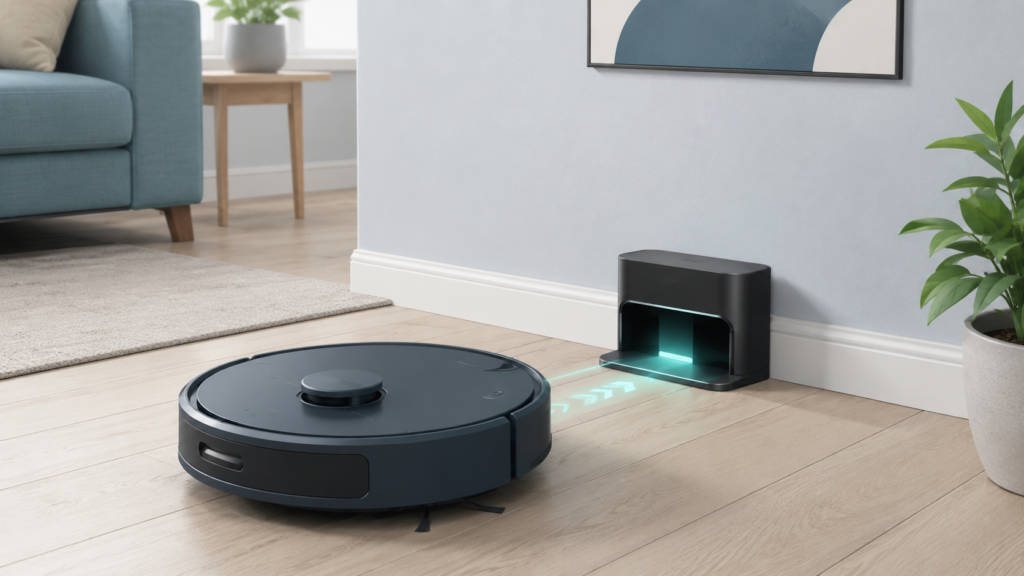
Self-Emptying Dock
A self-emptying dock is a feature where the robot vacuum periodically empties its own internal dustbin into a larger container at its charging base, reducing how often a person needs to manually empty the bin. This can be a meaningful convenience, especially for households that would otherwise need to empty a small onboard bin frequently (for example, due to pets or larger living spaces).
That said, a self-emptying dock reduces the frequency of manual maintenance — it does not eliminate maintenance entirely. The larger dock container still needs to be emptied periodically, and other maintenance tasks (brush cleaning, filter checks) remain. It is also worth considering the added cost and the physical footprint of the dock itself when deciding whether this feature is worth it for a given household.
Obstacle Avoidance
Obstacle avoidance refers to a robot vacuum’s ability to detect and navigate around objects in its path — cords, pet toys, shoes, furniture legs, and similar items — rather than colliding with them or getting stuck. This is handled through a variety of sensor types (including cameras, infrared, and other proximity sensors), and the sophistication of this system tends to vary by price tier.
It is reasonable to expect that more advanced obstacle avoidance systems handle a wider range of objects more reliably, but no system, regardless of price, detects every possible obstacle in every home. Households with a lot of floor clutter, young children’s toys, or pets may want to pay closer attention to this factor, while also recognizing that some amount of floor preparation (picking up loose items before a cleaning cycle) is still a normal part of using a robot vacuum.
App Control and Smart Features
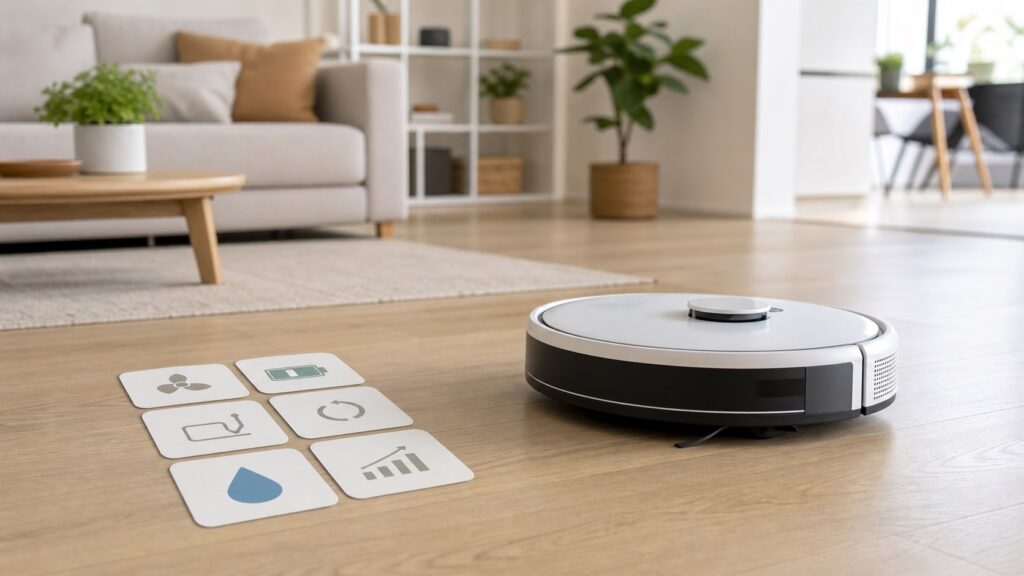
Most current robot vacuums are controlled, at least in part, through a companion smartphone app, which typically handles scheduling, room or zone selection, no-go zone setup, and monitoring of cleaning progress. App quality and feature depth vary meaningfully between brands — and a poor app experience (unreliable connectivity, confusing scheduling, frequent crashes) is a commonly cited source of buyer dissatisfaction, separate from how well the unit cleans physically.
It is worth treating app quality as a real buying factor in its own right, not an afterthought. A unit with strong cleaning specs but an unreliable app may end up being more frustrating to live with day to day than a more modest unit with a dependable app. Most robot vacuum apps also offer at least basic compatibility with voice assistants for simple commands like starting or stopping a cleaning cycle, though the depth of voice-assistant integration (compared to the full app) tends to be more limited.
Battery Life and Coverage
Battery life determines how much floor area a robot vacuum can cover before it needs to return to its dock and recharge. Based on manufacturer-reported ranges, typical runtimes are roughly 60 to 100 minutes for standard models and 120 to 250 minutes for premium models, though actual runtime in any specific home will vary depending on the cleaning mode used (higher suction settings generally use more battery) and the size and layout of the space being cleaned.
For larger or multi-room homes, battery life and coverage are worth comparing carefully, since a unit that needs to recharge mid-cycle will pause and resume later, which may or may not be acceptable depending on a household’s cleaning schedule expectations.
Noise
Noise level is a factor that first-time buyers sometimes overlook until after purchase, particularly in households where someone works from home, sleeps during the day, or has young children or pets sensitive to noise. General reporting suggests robot vacuum noise commonly falls in a broad range — roughly 48 to 70 decibels — varying by the specific model and the cleaning mode in use. Many units offer a quieter mode that reduces noise by lowering suction power, which is a trade-off worth knowing about in advance: quieter operation may also mean somewhat less aggressive cleaning during that mode.
Maintenance and Replacement Parts
It is worth being clear that owning a robot vacuum involves ongoing supervision and maintenance — it is not a fully “set and forget” appliance. Regular tasks typically include emptying the dustbin (unless using a self-emptying dock), clearing hair or debris tangled in brushes, checking and occasionally cleaning sensors, and periodically replacing consumable parts such as filters, brush rolls, and (for mopping models) mop pads.
These replacement parts represent a recurring cost that is separate from the unit’s purchase price, and it is a cost that is easy to underestimate when first comparing models based on sticker price alone. A complete picture of long-term ownership cost should include both the upfront price and a reasonable expectation of ongoing parts and consumables over the unit’s lifespan.
Common Buying Mistakes
Based on widely reported patterns from independent buying guides and first-time buyer accounts, several mistakes come up repeatedly:
- Over-focusing on the Pa (suction) number while overlooking brush design and airflow, which affect real-world cleaning performance just as much.
- Underestimating ongoing supervision and maintenance, expecting a fully hands-off experience rather than a tool that still requires periodic attention.
- Overlooking app quality, assuming that all companion apps are roughly equivalent when reliability and feature depth actually vary significantly.
- Not planning for the dock’s physical footprint, including the flat floor space it needs, clearance for the robot to dock properly, and nearby power outlet access — and not checking whether the unit can clear furniture or door thresholds in the home.
- Assuming mopping functions replace manual mopping, when they are generally better suited to light maintenance rather than deep cleaning.
- Overspending on features that may not be needed, such as the most advanced mapping or dock features, without first confirming that a more modest model would meet the household’s actual needs.
- Ignoring noise level until after purchase, particularly in homes where quiet operation during certain hours matters.
Beginner Buyer Checklist
Before comparing specific models, it can help to answer the following questions about your own home and habits:
- What floor types are in my home, and are any of them high-pile carpet?
- Do I have pets that shed, and how important is pet-hair performance to me?
- Is my home single-level or multi-level? (Remember: robot vacuums cannot climb stairs.)
- Where would the dock realistically go, and is there a clear, flat space with a nearby outlet?
- Are there thresholds, cords, or low furniture that could cause navigation issues?
- How much time am I realistically willing to spend on maintenance (emptying bins, cleaning brushes, replacing parts)?
- Do I want mopping as a light supplementary feature, understanding its limits?
- How important is a self-emptying dock to me, given its added cost and footprint?
- Do I care about noise level for specific times of day?
- Have I budgeted for replacement parts as an ongoing cost, not just the upfront price?
This checklist is meant to clarify priorities — it does not point toward any specific product, since the right balance of these factors will be different for every household.
FAQ
Do robot vacuums replace regular vacuuming?
Not entirely. Robot vacuums are commonly useful for routine maintenance cleaning — handling daily dust and light debris on a schedule — but they are not generally framed as a full replacement for periodic deep cleaning, especially in areas they struggle with, like high-pile carpet or hard-to-reach corners.
What features matter most in a robot vacuum?
It depends on the home and household, but the factors most worth comparing are navigation/mapping type, suction and brush design, floor-type compatibility, app quality, and ongoing maintenance requirements. Prioritizing these will usually matter more than chasing the highest spec number on any single factor.
Is LiDAR navigation better than camera navigation?
Both are mapped-navigation approaches with different trade-offs rather than one being universally better. The more significant functional difference is usually between mapped navigation (LiDAR or camera-based) and a non-mapped, random-path approach, since mapped navigation is generally more methodical at covering a space. See our full mapping vs. no mapping comparison for what that difference actually changes.
Are robot vacuum and mop combos worth considering?
They can be a useful supplementary feature, but it is worth understanding their limits — mop attachments are generally more limited than manual or steam mopping, especially for floors with notable grime, so they are better suited to light, routine maintenance than deep cleaning.
Do self-emptying robot vacuums still need maintenance?
Yes. A self-emptying dock reduces how often the bin needs to be manually emptied, but it does not eliminate maintenance — the dock’s larger container still needs periodic emptying, and tasks like brush and filter care remain part of ownership.
What should beginners check before buying a robot vacuum?
At minimum, floor types in the home, whether the home is single- or multi-level, dock placement and clearance, expected maintenance effort, app quality, and the ongoing cost of replacement parts — all covered in the Beginner Buyer Checklist above.
Final Takeaway
Choosing a robot vacuum comes down to matching the buying factors above to your own home and habits, rather than chasing the single highest spec number or assuming every model performs the same way in every household. Floor type, navigation, maintenance tolerance, and ongoing cost all matter more, in combination, than any one feature on its own. There is no universal “best” choice — only the combination of factors that fits a particular home, and this guide is meant to help identify which of those factors matter most before shopping further.